Dolibarr modules — Documentation
Add-on modules for Dolibarr ERP/CRM published by INTECHSO: change internal references, change the linked third party.
Deploy each module under custom/module_name/ in your Dolibarr tree, then enable it from Home → Setup → Modules / Applications. Permissions are set per user or group under Users & groups → Permissions.
Modules and documentation
Refmodifier — Change references
Edit the internal reference (ref) on commercial and supplier documents and on agenda events, with rights per document type.
Thirdpartymodifier — Change third party
Change the linked third party (fk_soc) on draft documents for sales and purchases, with permissions per document type.
Dolibarr module: Refmodifier
UI label: Change references. Lets you change internal references (ref) on commercial and supplier documents and on the agenda, per document type.
Overview
Refmodifier adds an action on record cards (while the document is still draft or the agenda event is not marked 100% complete) and a Tools menu entry for users who have the appropriate rights.
Main features
- Granular rights per document type (proposals, orders, shipments, receptions, customer and supplier invoices and credit notes, agenda events).
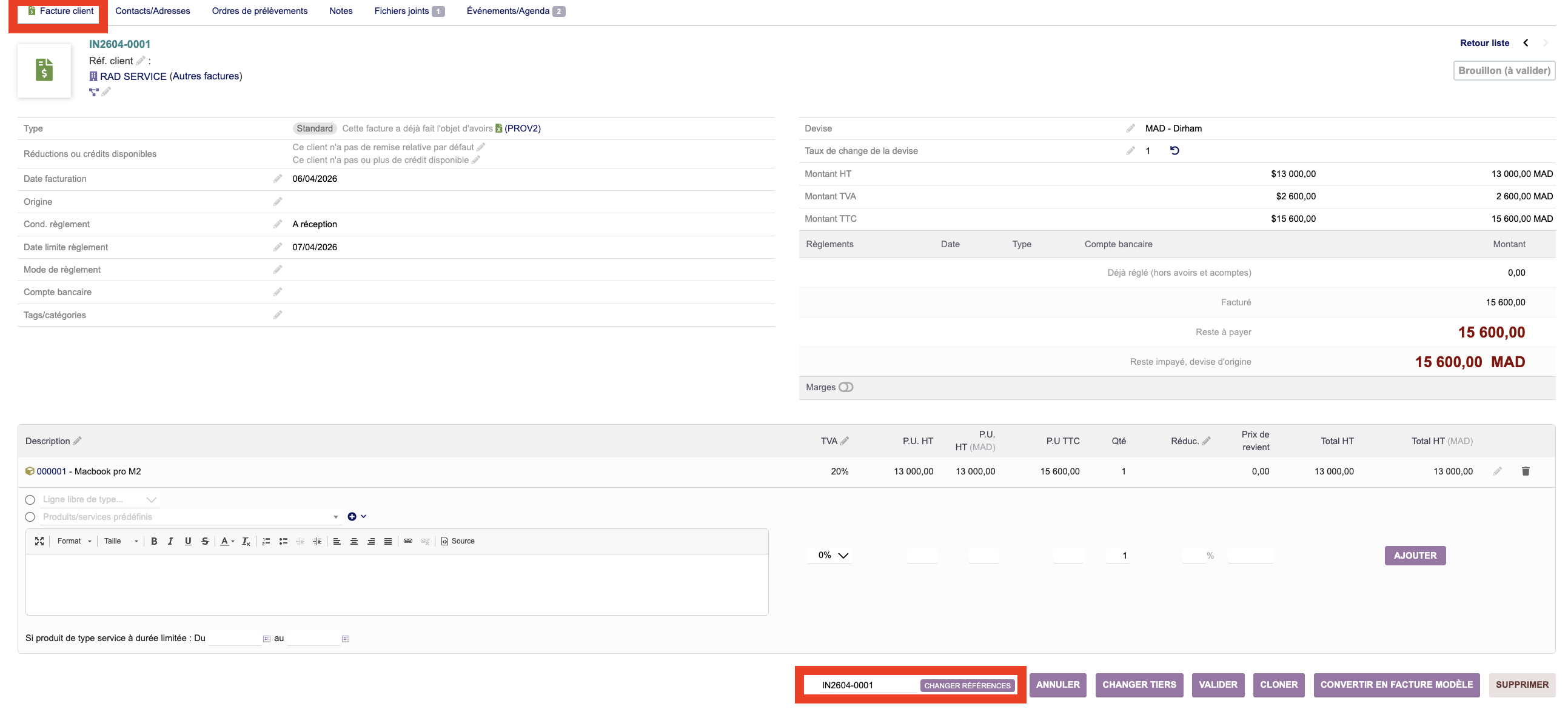
- Edit from the document or event card (recommended).
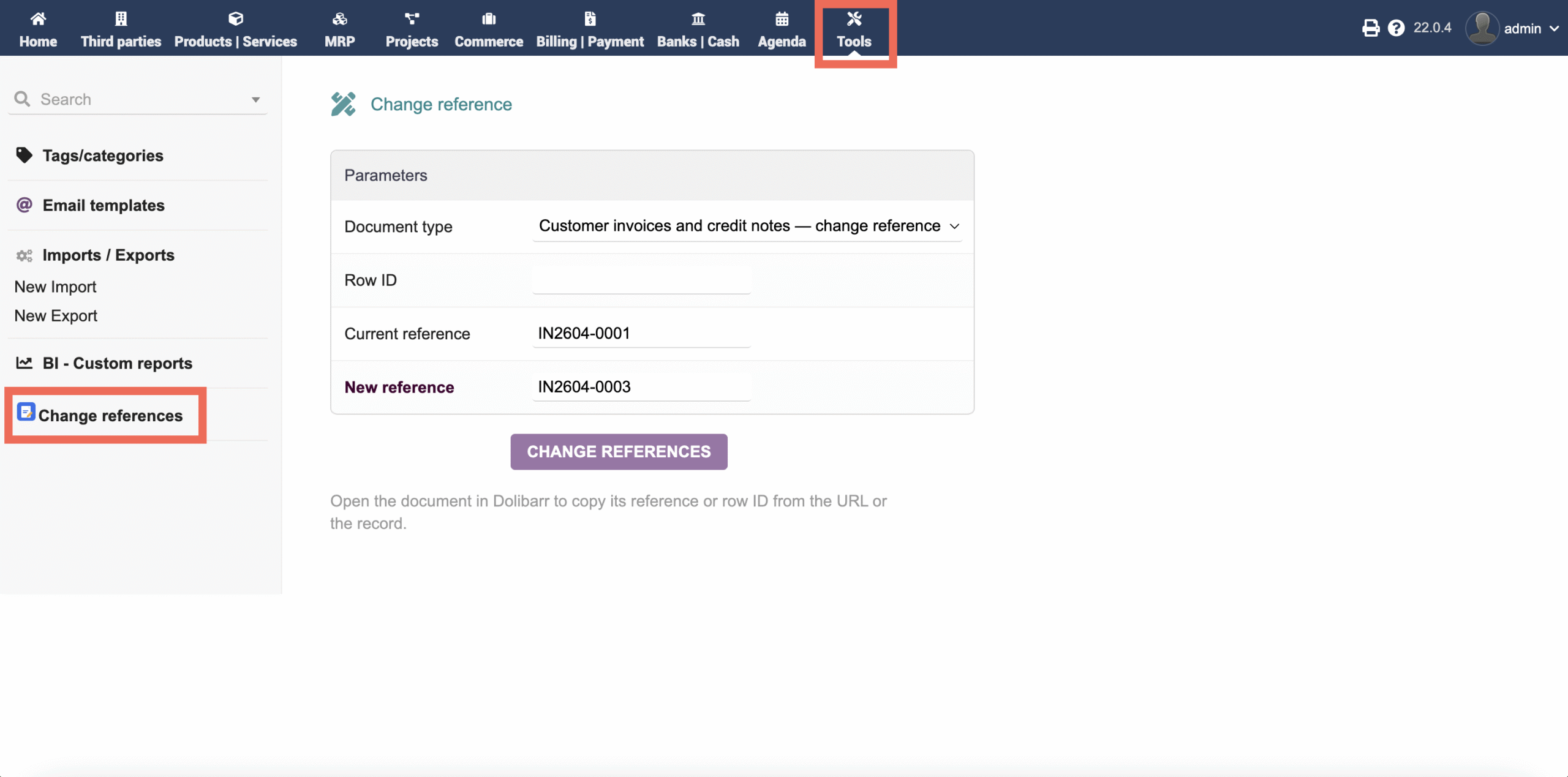
- Standalone tool: document type, row ID or current reference, new reference.
- Reference uniqueness is enforced within the entity, like Dolibarr core.
Installation
- Copy the module to
custom/refmodifier/(you should seecore/modules/modRefmodifier.class.php,class/,langs/, etc.). - File permissions: the web server user must be able to read all PHP and language files in the folder.
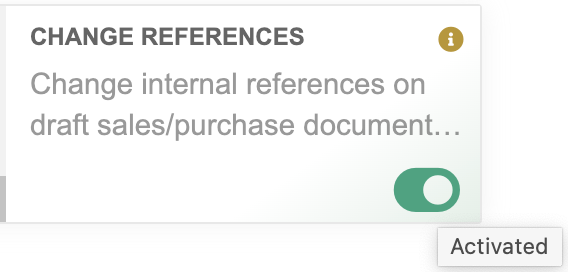
- Enable the module under Home → Setup → Modules / Applications (search for Refmodifier).
- Grant Refmodifier permissions to the relevant profiles.
Upgrade: replace the custom/refmodifier/ folder (backup first), then clear the Dolibarr cache if needed.
Configuration
Screenshots (configuration)
Usage
Set permissions
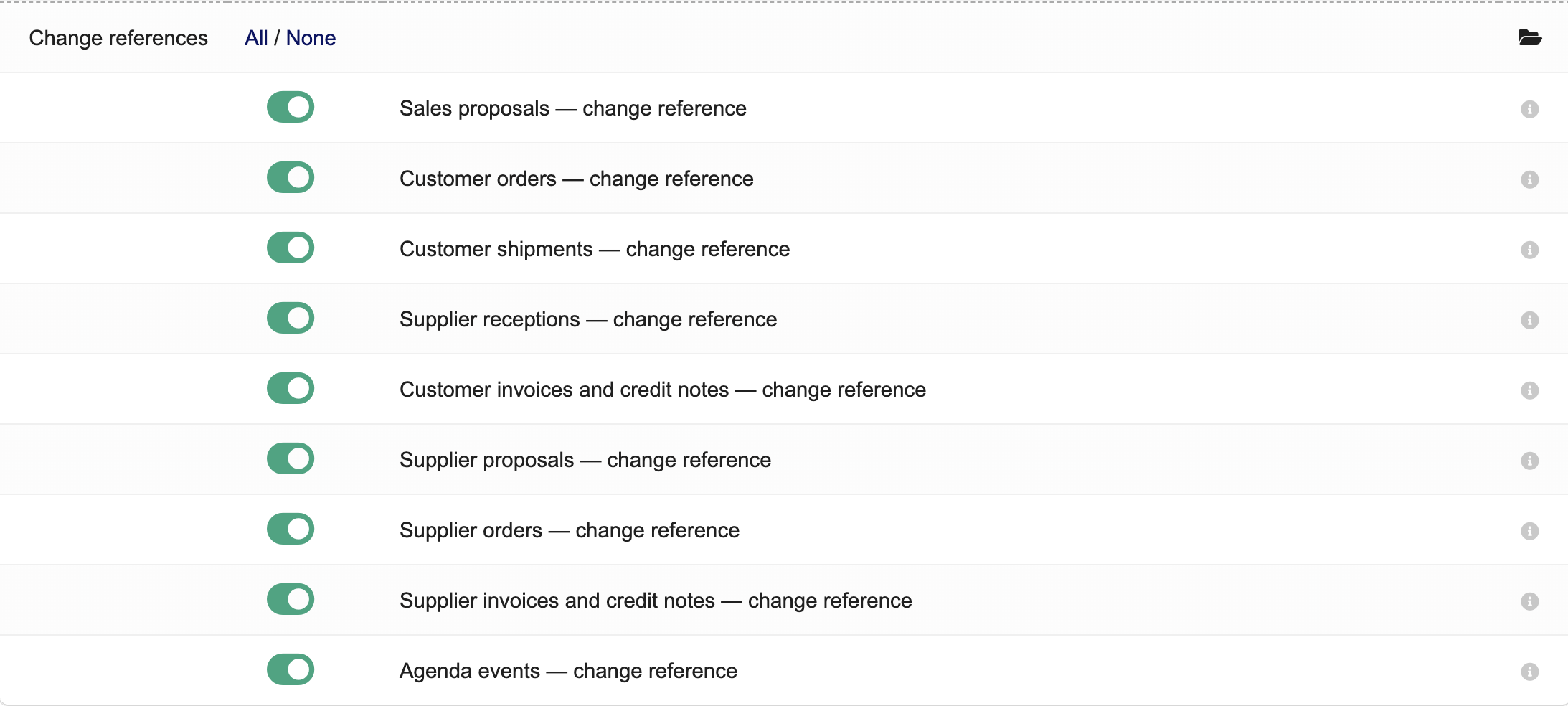
Users & groups → user or group → Permissions. In the Refmodifier section, enable only the types you need:
- Sales proposals, customer orders, shipments, receptions
- Customer invoices and credit notes
- Supplier quotations, supplier orders, supplier invoices and credit notes
- Agenda events (requires the Agenda module enabled)
From the card
Open a draft document or an agenda event not completed at 100%. Action bar → Modify reference.
Tools menu
Home → Tools → Change references (if at least one Refmodifier permission is granted).
Screenshots (usage)
Dolibarr module: Thirdpartymodifier
UI label: Change third party. Lets you change the linked third party (fk_soc) on draft documents, per type. The core Third parties module must be enabled.
Overview
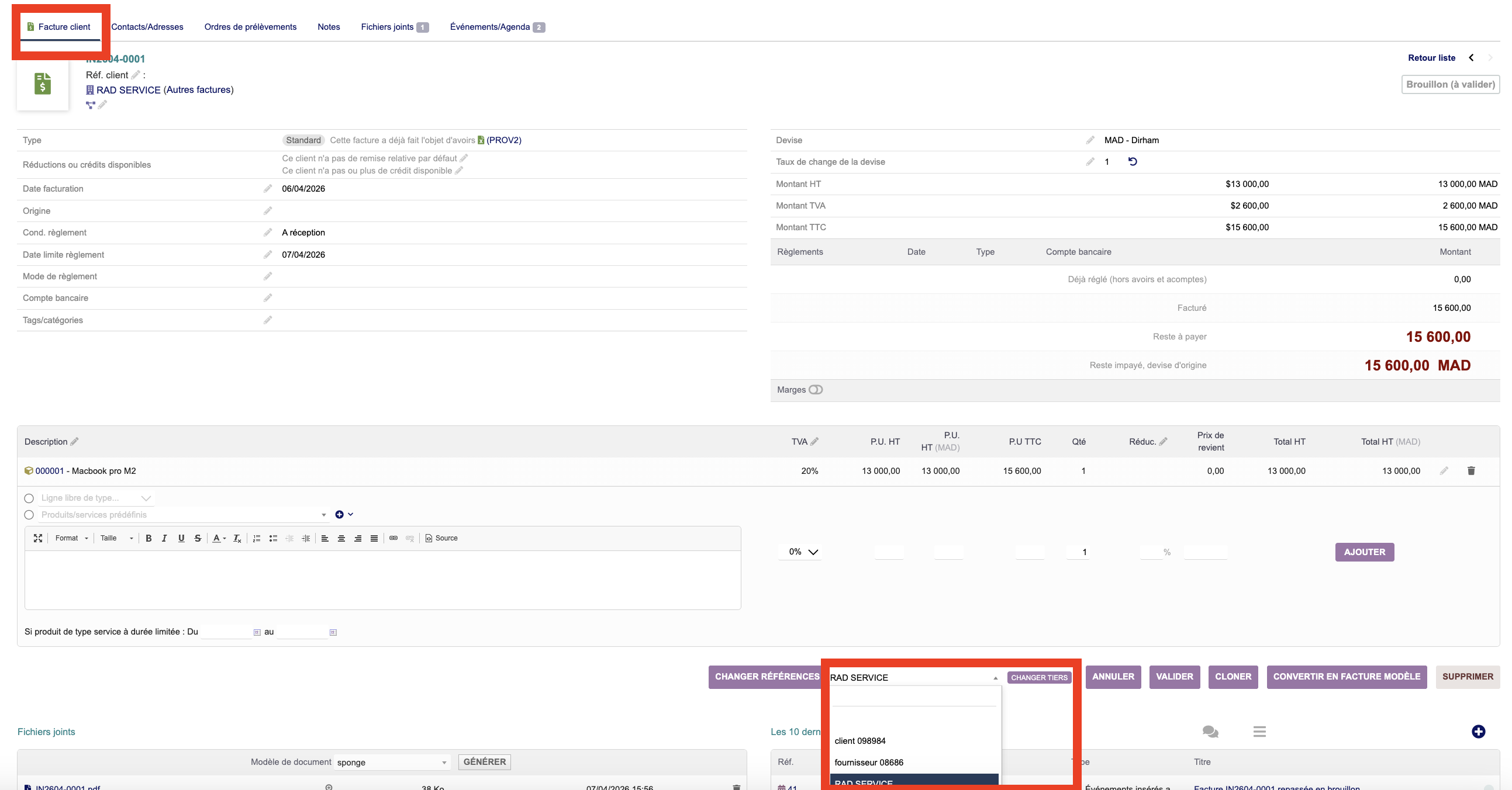
Thirdpartymodifier adds an action on document cards (draft only) and a Tools menu page to target a document by type and identifier.
Main features
- Permissions per document type (sales and purchasing).
- Sales documents: customers / prospects only; purchase documents: suppliers only; closed or inactive third parties are rejected.
- Button on the card while the document is draft; after validation, the action is hidden.
- Standard Dolibarr MODIFY triggers run for the document type.
Installation
- Copy the module to
custom/thirdpartymodifier/. - Enable the Third parties module and any commercial modules you need (proposal, order, etc.).
- Read permission on all module files.
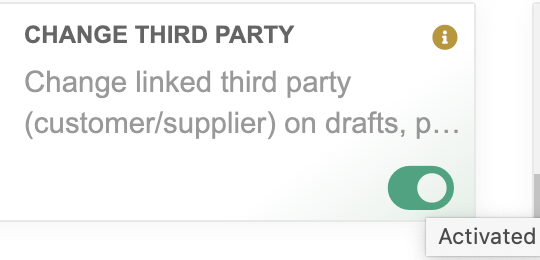
- Enable Thirdpartymodifier under Modules / Applications, then assign permissions.
Upgrade: replace the folder (after backup), clear cache if needed.
Configuration
Screenshots (configuration)
Usage
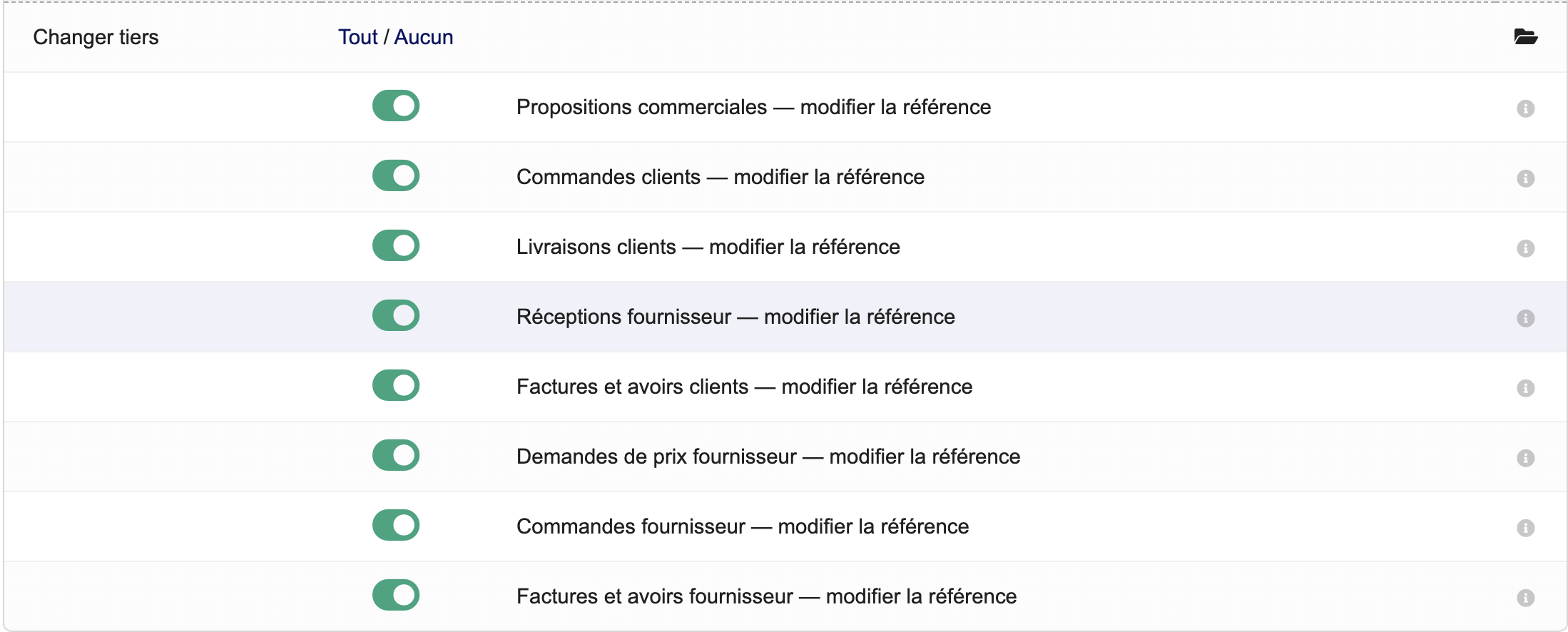
Permissions: Thirdpartymodifier section — allowed types include: proposals, customer orders, shipments, supplier receptions, customer invoices and credit notes, supplier quotations and orders, supplier invoices and credit notes.
Document card: draft → Change third party (label depends on language) → pick the new third party.
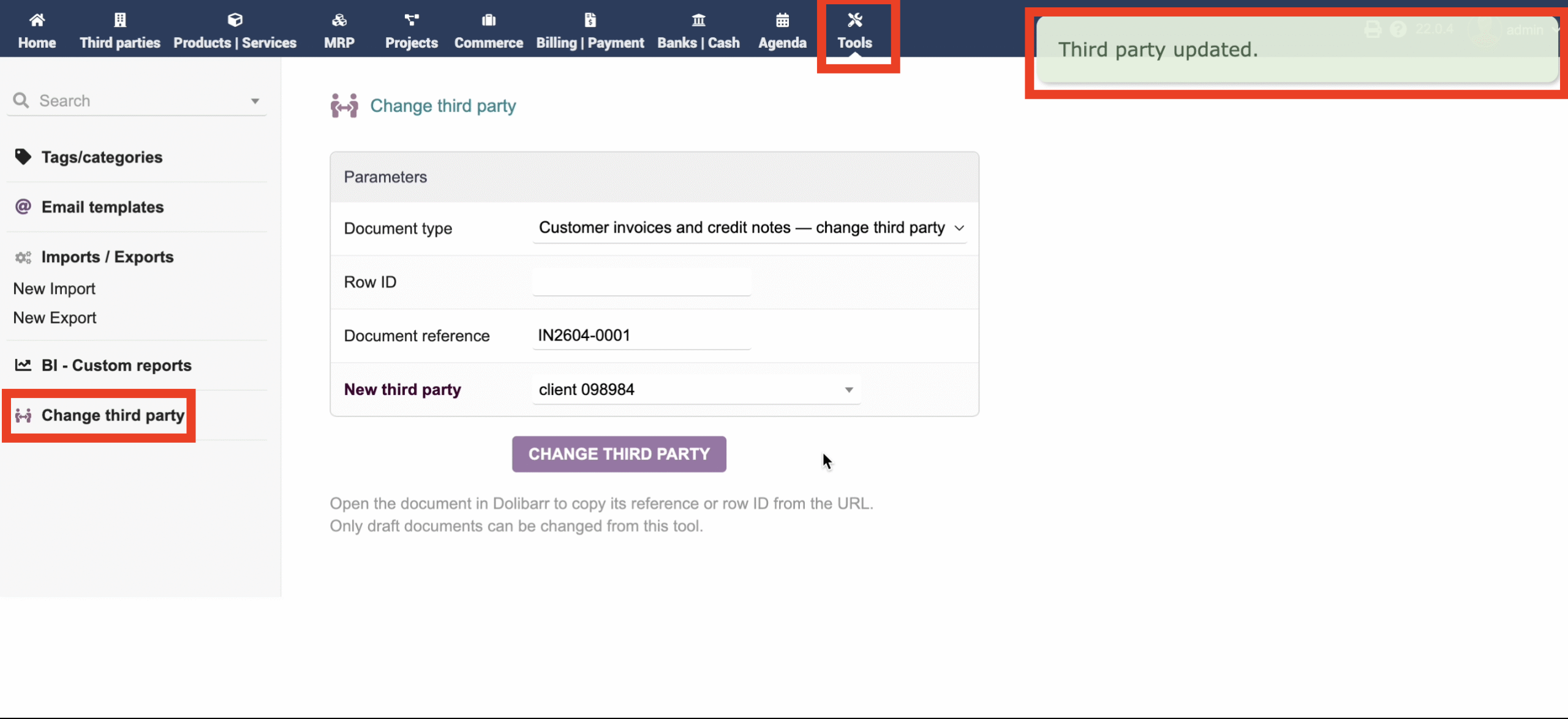
Tools: Home → Tools → Change third party — type, ID or reference, new third party. Drafts only.
Screenshots (usage)